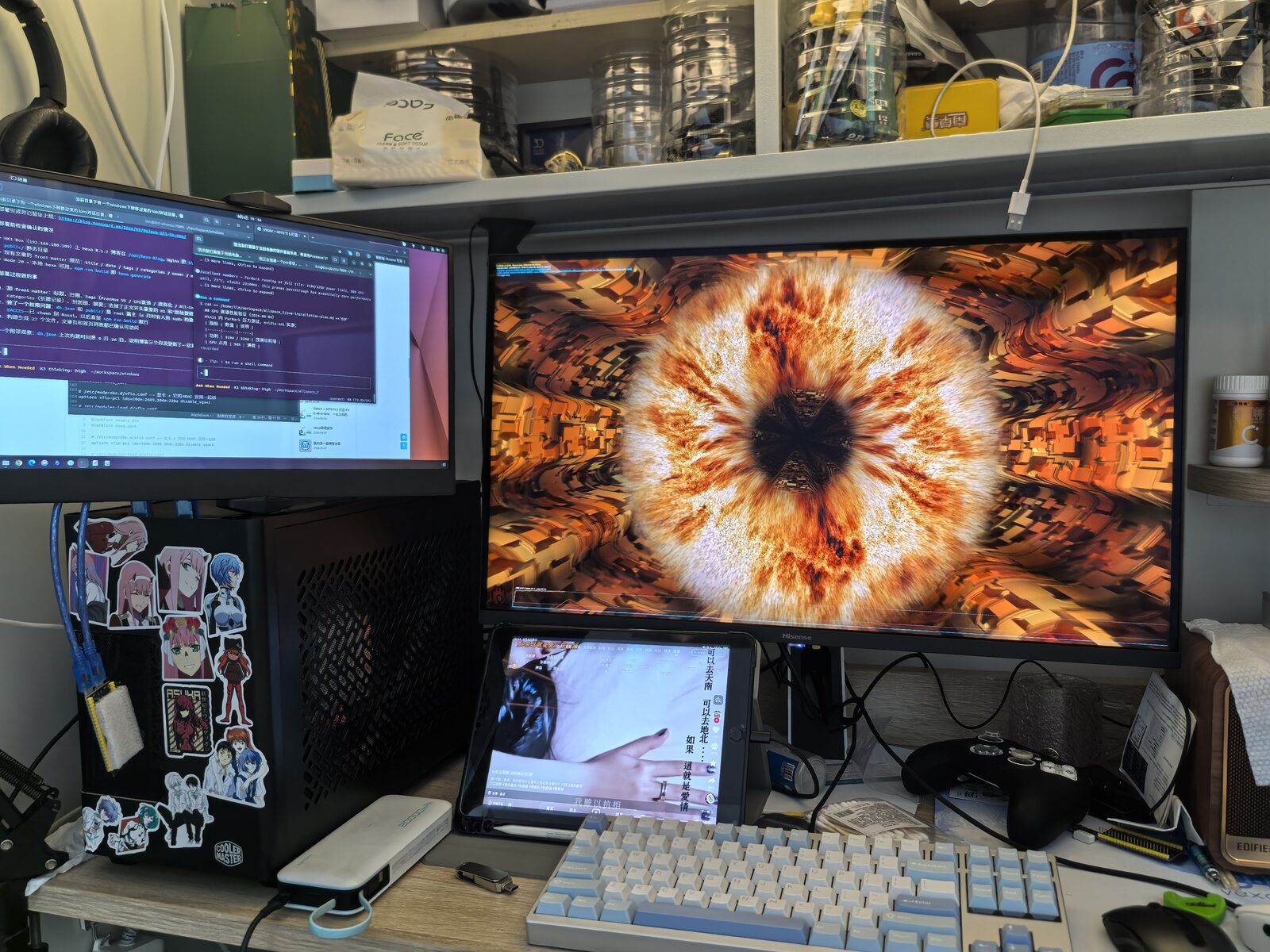
5950X + 4070 Ti S 打造 PVE All-in-One:一台主机跑 Win11 / Ubuntu / Kali
家里一台主力机(Ryzen 9 5950X + RTX 4070 Ti SUPER + 64GB 内存)原本跑着 Win10。Win10 已于 2025 年 10 月停止支持,索性借换系统的机会把它刷成 Proxmox VE 9.2 虚拟化宿主机,一台机器同时跑三个系统: Win11 24H2:独占直通 4070 Ti S,接显示器当日常/游戏主力 Ubuntu 26.04.1 Server:编译服务器,SSH 使用 Kali 2026.2:调试/安全工具箱 整个过程从调研到落地踩了不少坑,这篇把完整过程和教训记录下来。 一、硬件清单 部件 型号 备注 CPU AMD Ryzen 9 5950X(16C32T) 无核显,这是本次最大的架构约束 主板 技嘉 B550I AORUS PRO AX(ITX) 只有一个 PCIe x16 槽;BIOS F17e 显卡 RTX 4070 Ti SUPER 16GB PCI 07:00.0,ID 10de:2689 内存 64GB 硬盘 英睿达 P3 1TB NVMe(系统盘,CPU 直连...

Hexo常用操作
Hexo 的常用操作 Hexo 博客速查手册 设备:HK1 Box / Vontar X3 (192.168.1.5)域名:https://moonward.me博客目录:/opt/hexo-blogGit 仓库:http://192.168.1.8:30001/wave/hexo-blog.git 一、博客结构速查12345678910111213141516/opt/hexo-blog/├── _config.yml <- 博客主配置(标题、作者、URL等)├── scaffolds/│ ├── post.md <- 新建文章模板│ ├── draft.md <- 新建草稿模板│ └── page.md <- 新建页面模板├── source/ <- 文章、页面、图片(纳入git)│ ├── _posts/ <- 已发布文章│ ├── _dra...

我的第一篇博客文章
这是我的第一篇 Hexo 博客文章,运行在 HK1 Box / Armbian 上。 关于这个博客这个博客搭建在一台 HK1 Box(Amlogic S905X3)上,运行 Armbian OS,使用 Hexo + Butterfly 主题。通过 Cloudflare + IPv6 DDNS 对外提供服务。 技术栈 组件 说明 设备 HK1 Box / Vontar X3 SoC Amlogic S905X3 (4x Cortex-A55) 系统 Armbian OS 26.05.0 trixie 内存 3.6 GB 博客引擎 Hexo 7.x 主题 Butterfly 5.5.4 Web 服务器 Nginx 1.26 域名 moonward.me 代理 Clash Verge Rev Markdown 语法示例代码块1234# 查看系统信息cat /etc/os-releaseuname -afree -h 12// Hello Worldconsole.log('Hello from Hexo!...
Hello World
Welcome to Hexo! This is your very first post. Check documentation for more info. If you get any problems when using Hexo, you can find the answer in troubleshooting or you can ask me on GitHub. Quick StartCreate a new post1$ hexo new "My New Post" More info: Writing Run server1$ hexo server More info: Server Generate static files1$ hexo generate More info: Generating Deploy to remote sites1$ hexo deploy More info: Deployment